Not every game puts the same demands on your hardware. Some games rely heavily on the GPU to render detailed graphics, while others depend more on the CPU to handle game logic, physics and large numbers of characters or objects. In this article, we compare CPU-intensive and GPU-intensive games, including:
- What makes a game CPU-intensive
- What makes a game GPU-intensive
- How graphics settings affect CPU and GPU usage
- Examples of games that are more CPU or GPU demanding
- How resolution changes the balance between CPU and GPU workload
- Why some games can use both components heavily
- How to identify whether a game is CPU or GPU limited
CPU vs GPU: What Makes a Game More Demanding?
Not every game puts the same workload on your hardware. Some games can push the GPU to its limits with high-resolution textures, advanced lighting and detailed visual effects, while others place much more pressure on the CPU through physics, artificial intelligence, simulation and large numbers of objects. Understanding this difference can help explain why two games running on the same system can have completely different performance characteristics. A visually impressive game is not automatically GPU-intensive, just as a game with a large open world is not necessarily CPU-intensive. The way a game engine is designed and how its developers use available hardware can have a major influence on performance. In this article, we compare CPU-intensive and GPU-intensive games and explain what makes each type demanding.
What Makes a Game GPU Intensive?
A game is generally considered GPU-intensive when most of the workload comes from rendering the image that appears on your screen. The graphics processor is responsible for drawing environments, characters, lighting, shadows, textures, reflections and visual effects. Increasing resolution usually places even more pressure on the GPU because it has to render significantly more pixels for every frame. Higher graphics presets can also increase GPU workload by enabling more detailed textures, shadows, ambient effects and other rendering features. Games designed around realistic visuals can therefore become heavily GPU-bound, particularly when played at 1440p or 4K. Ray tracing can increase the workload even further because the GPU has to perform additional calculations for realistic lighting and reflections. When a game is GPU-intensive, upgrading to a faster graphics card can often provide a significant improvement in performance.
What Makes a Game CPU Intensive?
CPU-intensive games place more of their workload on the processor rather than relying primarily on graphics rendering. The CPU handles many of the calculations that make a game world function, including game logic, artificial intelligence, physics, object management and simulation. Games with large numbers of NPCs, complex physics systems or highly detailed simulations can therefore put substantial pressure on the processor. Strategy games are a common example because they may need to calculate the actions of hundreds or thousands of units at the same time. Large open-world games can also be CPU-intensive because the processor may constantly manage NPCs, traffic, physics and other world systems while the player moves through the environment. In these situations, increasing graphical quality may not significantly change performance if the CPU is already the limiting component.
CPU vs GPU Workload
The CPU and GPU perform different jobs, but modern games depend on both components working together. The CPU prepares and manages the game world, while the GPU takes the information it receives and turns it into the images displayed on your monitor. Every frame therefore involves cooperation between the two. If the CPU cannot prepare frames quickly enough, the GPU may have to wait for additional work. If the GPU cannot render frames quickly enough, the CPU may be capable of preparing more frames but the graphics card becomes the limiting factor. This is why looking at only one component's usage does not always explain game performance. A system can have a powerful GPU but still struggle in a CPU-intensive game, or have a powerful CPU paired with a GPU that cannot keep up with demanding graphics settings.
| Workload | CPU | GPU |
|---|---|---|
| Game logic | High | Low |
| Artificial intelligence | High | Low |
| Physics calculations | High | Moderate |
| Rendering graphics | Low | High |
| Ray tracing | Low | Very High |
| High-resolution rendering | Low | Very High |
How Resolution Changes the Balance
Resolution is one of the easiest ways to change the workload placed on a gaming system. Moving from 1080p to 1440p or 4K requires the GPU to render substantially more pixels for every frame. This means the graphics card generally becomes more important as resolution increases. At lower resolutions, however, the GPU may be capable of rendering frames very quickly, shifting more of the workload toward the CPU. This is one reason why a processor can become more important for achieving extremely high frame rates at 1080p. A system that is CPU-limited at 1080p may become GPU-limited after switching to 1440p or 4K. The same game can therefore behave very differently depending on resolution, graphics settings and the target frame rate.
How Graphics Settings Affect CPU and GPU Usage
Not every graphics setting affects performance in the same way. Settings such as resolution, texture quality, ray tracing and certain lighting effects generally place more pressure on the GPU. Other settings can influence CPU workload, particularly options involving view distance, object density, crowds and simulation complexity. This means lowering every setting does not always produce the same performance improvement. If your GPU is already close to full utilisation, reducing resolution or demanding visual effects can increase frame rates. If the CPU is the limiting factor, lowering graphical quality may have a much smaller effect. Understanding which settings affect which component can therefore be more useful than simply selecting the lowest preset when trying to improve performance.
Examples of GPU-Intensive Games
Games that focus heavily on detailed environments, advanced lighting and demanding visual effects are often more dependent on GPU performance. Modern AAA games can place significant pressure on graphics cards because developers increasingly use high-resolution textures, complex geometry, advanced lighting and other rendering technologies. Games with ray tracing can be particularly demanding because real-time ray-traced lighting and reflections require additional processing. Higher resolutions can increase the workload further, especially at 4K. In these situations, a faster GPU generally provides a larger performance improvement than replacing the CPU with a more powerful model. However, this does not mean the processor is unimportant. Even a GPU-intensive game still relies on the CPU to manage the underlying game world and prepare the work required for each frame.
Examples of CPU-Intensive Games
CPU-intensive games often involve complex simulations, large numbers of units or NPCs, extensive physics and demanding world-management systems. Strategy and simulation games are particularly well suited to demonstrating this because the processor may have to calculate the behaviour of many entities simultaneously. Large open-world games can also create substantial CPU workloads because they constantly manage traffic, NPC behaviour, physics and other systems as the player moves around the map. In these situations, having a faster graphics card may not solve performance problems if the processor is already struggling to prepare frames quickly enough. This can be especially noticeable when targeting very high frame rates, where the CPU has less time to complete its work between frames. A faster processor can therefore be more valuable than a more powerful GPU in certain games.
Why Some Games Use Both Heavily
Many modern games cannot be described as purely CPU-intensive or GPU-intensive because they place significant demands on both components. A large AAA open-world game might require the CPU to manage NPCs, traffic, physics and game logic while simultaneously asking the GPU to render a detailed environment with advanced lighting and high-resolution textures. In this situation, either component can become the limiting factor depending on the settings being used. Increasing resolution may move the workload toward the GPU, while increasing simulation complexity or targeting a higher frame rate can put more pressure on the CPU. This is why there is no universal CPU-to-GPU balance that works perfectly for every game. The ideal hardware combination depends on the games you play, the resolution you use and the performance target you want to achieve.
How to Tell Whether a Game Is CPU or GPU Limited
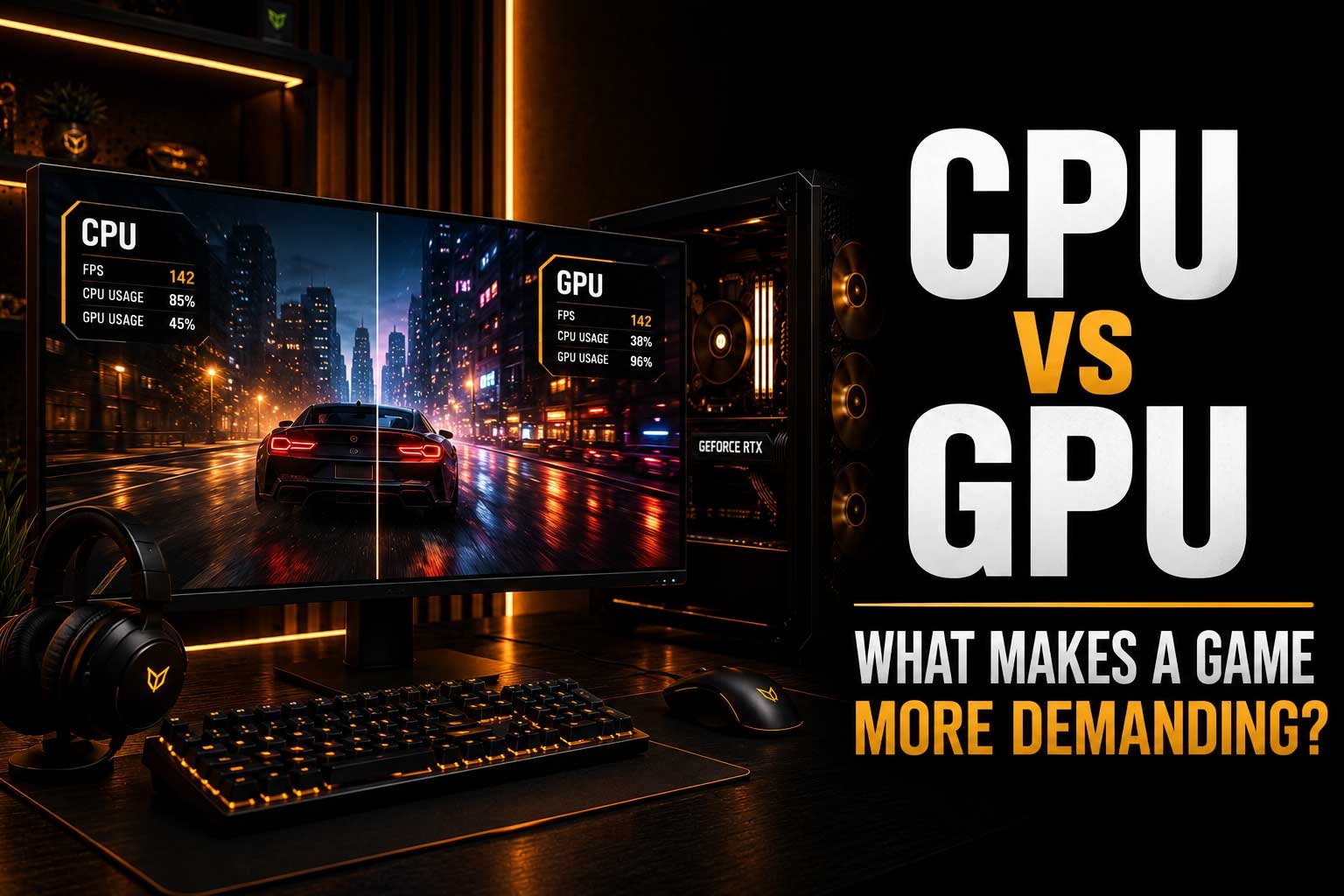
One of the easiest ways to understand what is limiting performance is to monitor CPU and GPU utilisation while playing. If the GPU is consistently operating close to full utilisation while the CPU has additional headroom, the game is likely GPU-limited at the current settings. If the GPU is not being fully utilised while one or more CPU cores are heavily loaded, the processor may be limiting performance. However, total CPU usage can sometimes be misleading because games do not always distribute their workload evenly across every CPU core. A processor showing 40% overall usage could still have one or two heavily loaded cores limiting frame rates. Looking at individual core usage, frame rates and frame-time behaviour together provides a much clearer picture of what is happening.
Does More CPU Power Always Improve Gaming?
A faster CPU can improve performance in games that are limited by processor performance, but it does not automatically increase frame rates in every situation. If the GPU is already running at full capacity, replacing the processor with a faster model may produce little noticeable difference because the graphics card remains the limiting factor. CPU upgrades become more valuable when a game requires additional processing power or when the goal is to achieve very high frame rates. This is particularly relevant for competitive games played at lower resolutions, where the GPU can often render frames quickly enough for the CPU to become the limiting factor. The best approach is therefore to identify the actual limitation in your games rather than assuming that the most powerful CPU will always provide the biggest improvement.
Does a More Powerful GPU Always Improve Gaming?
The same principle applies to graphics cards. A more powerful GPU can deliver higher frame rates and better visual quality when the existing graphics card is the main limitation. However, if the CPU cannot prepare frames quickly enough, upgrading the GPU may leave much of its additional performance unused. This can happen particularly at lower resolutions and high refresh rates, where the graphics card may be capable of rendering more frames than the processor can efficiently prepare. A GPU upgrade is most effective when your current graphics card is consistently the component limiting performance. Before spending money on new hardware, it is therefore useful to monitor both CPU and GPU behaviour in the games you actually play.
CPU vs GPU: Which One Matters More?
There is no universal answer to whether the CPU or GPU matters more because it depends on the game and how you play it. For high-resolution gaming with demanding graphics, the GPU is usually the more important component. For simulations, strategy games, large-scale environments and very high frame rates, CPU performance can become much more important. Most modern gaming systems need a balanced combination of both. Spending too much of the budget on one component while significantly limiting the other can result in performance that does not match the hardware's potential. The best approach is to consider the games you play, your target resolution, desired frame rate and graphics settings before choosing your components.
Final Thoughts
Understanding the difference between CPU-intensive and GPU-intensive games makes it much easier to understand gaming performance. The CPU handles the systems that make the game world function, while the GPU is responsible for turning that world into the detailed images displayed on your screen. Some games strongly favour one component, while modern AAA titles can place heavy demands on both. Resolution, graphics settings, frame-rate targets and game-engine design can all change where the workload falls. Instead of assuming that a game needs the most powerful possible hardware, it is better to understand what type of workload it creates. Once you know whether your games are primarily CPU- or GPU-limited, you can make much more informed decisions when choosing or upgrading your hardware.