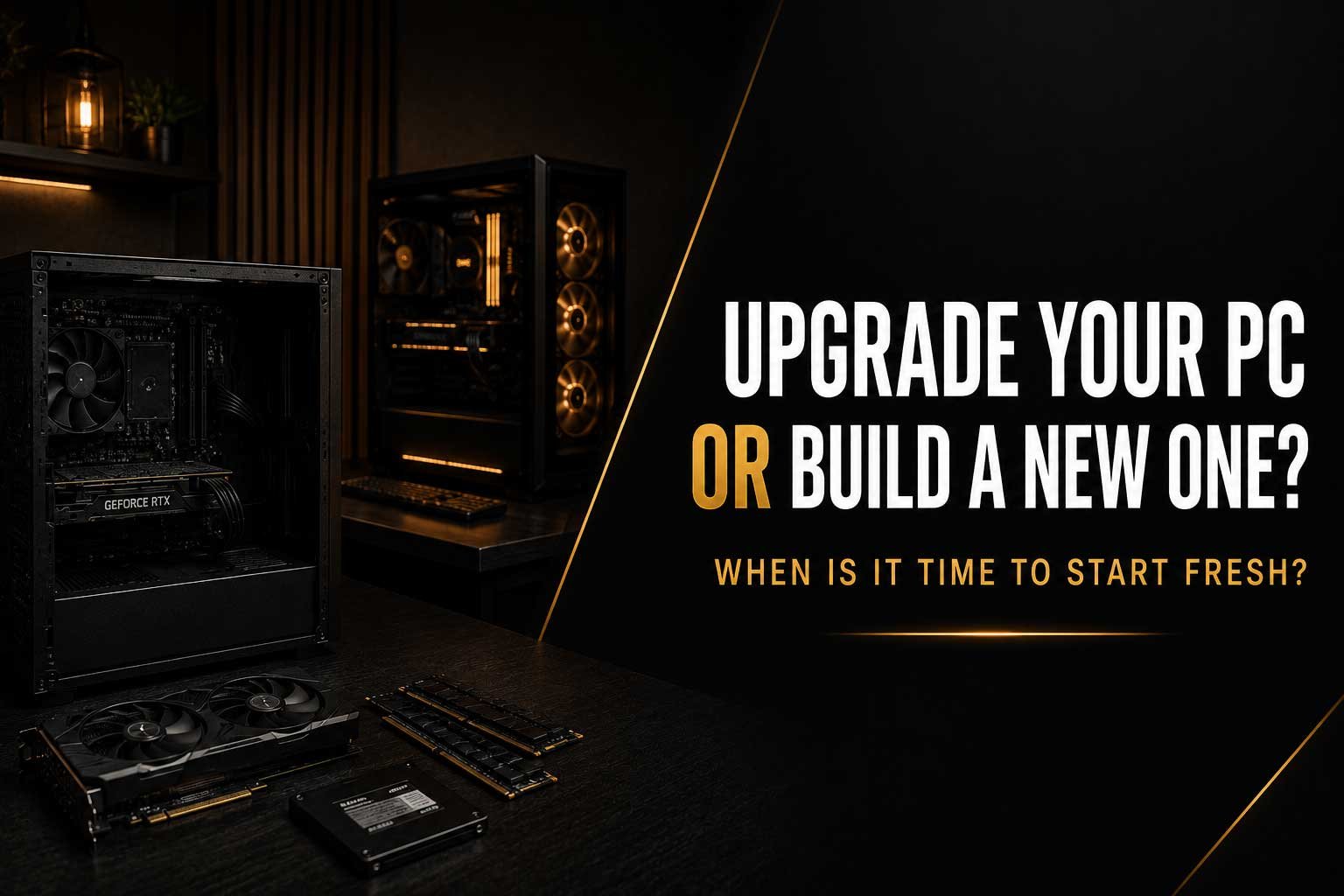
Upgrading a PC can be a great way to improve performance without paying for an entirely new system. Adding a faster graphics card, more RAM or additional SSD storage can give an older computer a new lease of life. However, there comes a point where upgrading individual components becomes less practical. If your processor, motherboard, memory platform and other core components are already outdated, building a completely new PC may provide better value and a more balanced system.
In this article, we compare upgrading your PC vs building a new one and look at:
- When upgrading your GPU, RAM or storage makes sense
- How to identify whether your CPU or motherboard is limiting performance
- When multiple upgrades become more expensive than building a new PC
- Which components from your old PC you may be able to keep
- How to decide between a PC upgrade or a completely new build
Upgrading a PC is often the most cost-effective way to improve performance. A new graphics card can increase gaming FPS, additional RAM can make multitasking smoother, and a larger NVMe SSD can provide more space for modern games and applications. These upgrades can significantly extend the useful life of an existing system. However, not every PC is worth upgrading indefinitely. As hardware platforms age, replacing one component can reveal limitations elsewhere, eventually turning a simple upgrade into a much larger and more expensive project.
The key question is not simply whether your PC can be upgraded, but whether upgrading it still makes financial and practical sense. A system with a reasonably modern processor and motherboard may only need one or two components to feel significantly faster. On the other hand, an older PC might require a new CPU, motherboard, RAM, graphics card and power supply before it reaches the performance you want. In that situation, building a new PC may provide better value, better compatibility and a clearer upgrade path for the future.
When Does Upgrading Your PC Make Sense?
A PC upgrade makes the most sense when there is a clear performance limitation that can be solved by replacing one or two components. For example, if your current gaming PC has a capable processor but an older graphics card, upgrading the GPU may provide a major improvement without requiring you to replace the rest of the system. The same applies to storage. Moving from a small or older drive to a modern SSD can improve everyday usability while giving you significantly more space for games, applications and files.
Adding RAM can also be a practical upgrade, particularly if your current system regularly runs close to its available memory capacity. Modern games, browsers, Discord and other background applications can quickly increase memory usage. If the rest of your PC is still performing well, moving from 16GB to 32GB of RAM may be far more sensible than replacing the entire computer. The important thing is to identify the actual bottleneck before spending money on new hardware.
Start by Identifying What Is Limiting Your PC
Before deciding between upgrading and building a new system, it is important to understand why your current PC is no longer meeting your needs. Low gaming FPS does not automatically mean that you need a new graphics card. In some cases, the processor may be limiting performance. In others, the issue could be insufficient RAM, overheating, an almost-full SSD or software running in the background. Replacing the wrong component can result in spending money without achieving the improvement you expected.
A good starting point is to look at how your system behaves during the tasks you actually perform. If your GPU is consistently running at maximum utilisation while the CPU still has plenty of available performance, a graphics card upgrade could make sense. If the processor is struggling while the GPU is underused, upgrading the graphics card alone may not solve the problem. Understanding the bottleneck is one of the most important steps when planning a PC upgrade.
When Is Your CPU or Motherboard Too Old to Upgrade?
The processor and motherboard form the foundation of your PC, and their age can determine how practical future upgrades will be. A newer graphics card can often be installed into an older system, but that does not guarantee that the entire PC will deliver its full potential. An older processor may struggle to keep up in CPU-intensive games, while an outdated motherboard platform may limit your options for newer processors, faster memory or modern connectivity.
Once you need to replace both the CPU and motherboard, the cost of upgrading can increase quickly. Depending on the platform, you may also need new RAM because older systems may use DDR4 or even DDR3 rather than DDR5. At this point, it is worth comparing the total cost of the upgrade against a completely new PC. Replacing several core components individually can sometimes cost almost as much as starting with a new platform while still leaving you with an old case, power supply or storage configuration.
How Many Components Can You Upgrade Before It Becomes a New PC?
There is no exact number, but replacing the CPU, motherboard, RAM, graphics card and power supply means you are already rebuilding most of the computer. You may still be using the same case or storage drives, but the core platform is effectively new. This is where upgrading can become less attractive because the benefits of a completely fresh system begin to outweigh the convenience of keeping older components.
A new build also allows every component to be selected as part of a balanced system. Instead of trying to make new hardware work around the limitations of an older platform, you can choose the processor, graphics card, motherboard, memory, cooling and power supply together. This can provide better performance balance and a clearer upgrade path. It also avoids situations where upgrading one component immediately creates another bottleneck somewhere else in the system.
Upgrade Your PC vs Build a New One
| Situation | Best Option |
| Your GPU is outdated but the CPU is still capable | Upgrade the GPU |
| You regularly run out of storage space | Add or upgrade your SSD |
| Your PC needs more memory but the platform is still modern | Upgrade the RAM |
| You need a new CPU, motherboard and RAM | Compare with a new build |
| Several major components are outdated | A new PC may offer better value |
| Your existing PC still uses a modern platform | An upgrade may make sense |
| You want a completely different level of performance | Consider a new build |
Can You Keep Components From Your Old PC?
Even when building a new PC, some components from your existing system may still be useful. Storage drives are often the easiest parts to reuse, provided they are still healthy and compatible with the new motherboard. Additional SSDs can be used for games, files or secondary storage, reducing the amount you need to spend on new hardware. Cases can also sometimes be reused if they provide sufficient airflow and support the size of the new motherboard and graphics card.
The power supply requires more careful consideration. A high-quality PSU may remain suitable for a new build, but its age, wattage, efficiency and available power connectors should all be checked. Modern high-performance graphics cards can have different power requirements, and an old power supply may not be the best foundation for expensive new hardware. Cooling can also potentially be reused, although mounting compatibility and cooling capacity should be confirmed before installing it on a new processor.
When Building a New PC Is the Better Choice
Building a new PC becomes increasingly attractive when your current system is based on an older platform and requires several major upgrades. If you need to replace the CPU, motherboard, RAM and graphics card at the same time, it is worth stepping back and looking at the total cost. Starting fresh can allow you to build a system around your current needs instead of continuously adapting old hardware to support newer components.
A new PC can also be the better choice if you want a significant increase in performance rather than a small improvement. Moving from an entry-level or older mid-range system to a modern high-end gaming PC may require changes across the entire platform. A new build allows the budget to be distributed more effectively, ensuring that the CPU and GPU are properly matched and that the cooling, power supply and case are suitable for the hardware inside.
Consider the Future Upgrade Path
One of the biggest advantages of moving to a newer platform is the potential for future upgrades. Choosing a modern motherboard and processor platform can give you more options later without requiring another complete rebuild. This does not mean that you should always buy the most expensive components available, but it is worth thinking about how long you plan to keep the system and what type of upgrades you may want in the future.
For example, spending slightly more on a suitable power supply today may make it easier to install a more powerful graphics card later. Choosing a motherboard with the connectivity you need can also prevent unnecessary limitations in the future. A good PC build should balance current performance with realistic upgrade options, rather than focusing entirely on specifications that may never be used.
Should You Upgrade Your Gaming PC?
If your gaming PC is only struggling in a few areas, upgrading can be an excellent solution. A graphics card upgrade can deliver a major increase in FPS, while additional RAM or storage can improve the overall experience at a relatively low cost. There is no reason to replace an entire system simply because one component has become outdated. A well-planned upgrade can extend the life of a PC for years.
However, if your system is already limited by an old CPU platform, incompatible memory and an ageing power supply, adding an expensive new graphics card may not provide the best overall result. The goal should be to create a balanced system where the components can work effectively together. In these situations, building a new gaming PC can sometimes be the smarter long-term investment, even if the initial cost is higher.
Upgrade or New Build? How CompHub Can Help
Deciding whether to upgrade your existing PC or build a completely new one can be difficult, especially when compatibility, performance and budget all need to be considered. At CompHub, we can help you look at your current system and identify which components are worth keeping and which upgrades would provide the most meaningful improvement. In some cases, a simple upgrade may be all you need. In others, starting with a new system may offer better value.
Whether you are planning to upgrade your gaming PC or looking for a completely new custom build, the right choice should be based on your actual requirements rather than simply replacing hardware for the sake of it. A balanced upgrade plan can save money and extend the life of your PC, while a new build can provide a clean starting point with modern components and a better path for future upgrades.
Final Thoughts
There is no universal answer to whether you should upgrade your PC or build a new one. The best decision depends on the age of your current platform, the components that are limiting performance and how much of the system would need to be replaced. If your PC only needs a new GPU, more RAM or additional storage, upgrading can provide excellent value. If several major components are outdated, the cost of upgrading can quickly approach the cost of a new build.
Before making a decision, look at the total cost, compatibility and expected performance improvement. Avoid upgrading individual components without considering the rest of the system. Sometimes a targeted upgrade is all that is needed, while other situations call for a completely new PC. Taking the time to compare both options can help you spend your budget where it will make the biggest difference and ensure that your next system is built around what you actually need.