Wondering what VRAM actually does and how much you need for modern games? In this guide, we explain:
- What VRAM is and how it works
- Whether more VRAM means higher FPS
- How much VRAM you need for 1080p, 1440p and 4K
- What happens when a GPU runs out of VRAM
- The difference between VRAM and system RAM
- Whether 8GB of VRAM is still enough
What Is VRAM and How Much Do You Need for Gaming?
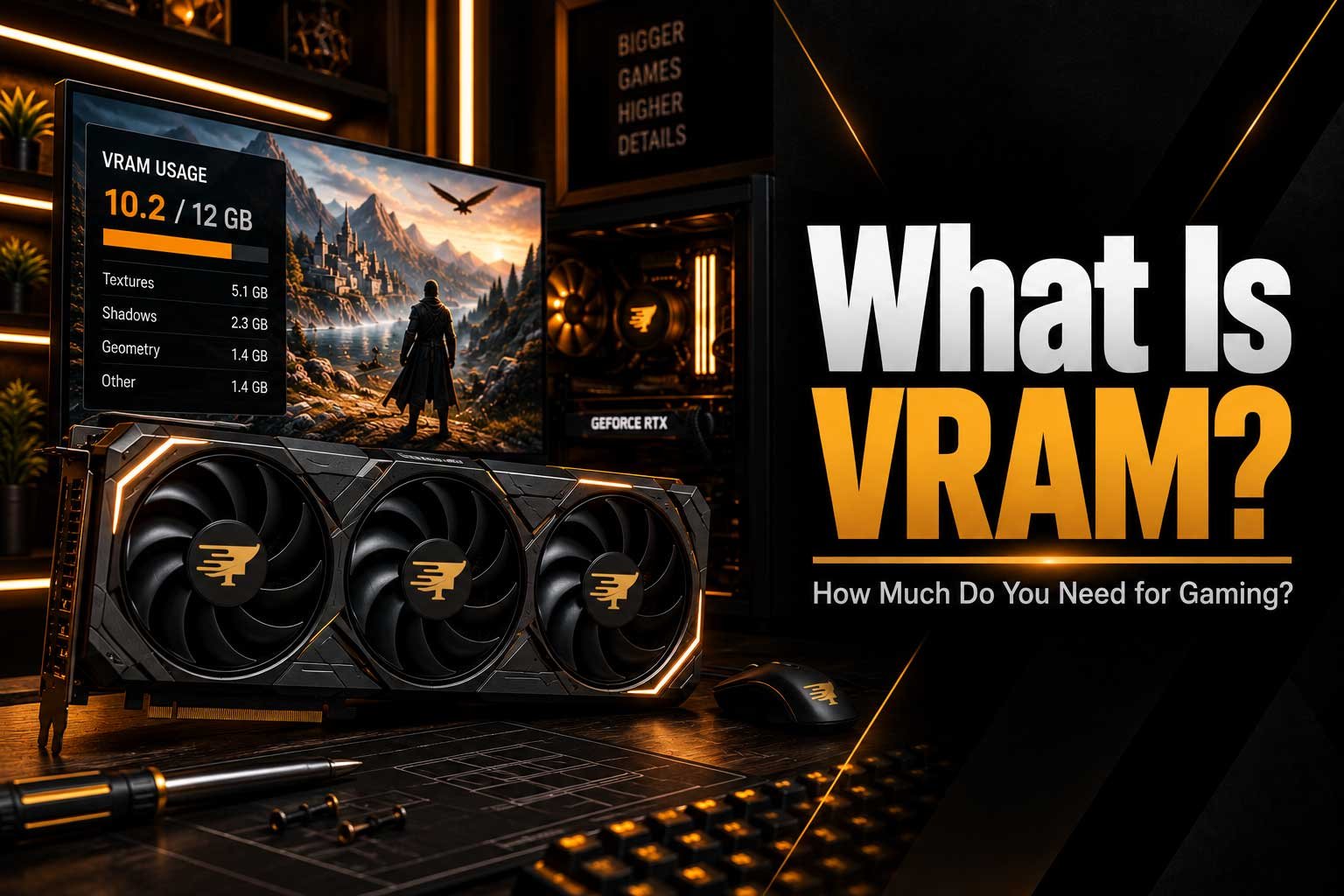
When choosing a graphics card, you will often see specifications such as 8GB, 12GB, 16GB or even more of VRAM. But what exactly is VRAM, and how does it affect gaming performance? Video Random Access Memory is the dedicated memory used by your graphics card to store data that the GPU needs while rendering games and other visual workloads. This can include textures, shaders, frame buffers and other graphical assets. Unlike your system RAM, VRAM is located directly on the graphics card and is designed to provide the GPU with fast access to this data. Understanding how VRAM works can help you make a better decision when choosing a graphics card, especially as modern games continue to use increasingly detailed textures and larger visual assets.
What Does VRAM Actually Do?
VRAM acts as a high-speed workspace for your graphics card. When you launch a game, the GPU needs access to a large amount of visual information in order to generate each frame. Textures, lighting information, geometry, shaders and other assets can all require memory. The graphics card stores this information in VRAM so that the GPU can access it quickly instead of constantly transferring data from slower system memory. The amount of VRAM available therefore determines how much graphical data can comfortably be stored at once. This becomes particularly important when using higher resolutions and texture settings, because 1440p and 4K gaming can require significantly more memory than 1080p.
Does More VRAM Mean More FPS?
Not necessarily. More VRAM does not automatically make a graphics card faster. GPU performance is also determined by the graphics processor itself, its architecture, clock speeds, memory bandwidth and many other factors. However, having enough VRAM can prevent performance problems when a game needs more memory than the graphics card has available. If a game exceeds the available VRAM, assets may need to be moved between VRAM and system memory, potentially causing stuttering, texture issues or inconsistent frame times. This is why two graphics cards with similar performance can behave differently in demanding games if one has substantially more VRAM.
How Much VRAM Do You Need?
The amount of VRAM you need depends heavily on the resolution, games you play and graphical settings you use. For 1080p gaming, 8GB can still be suitable for many games, although some demanding titles can benefit from more. At 1440p, 12GB or more can provide additional headroom for modern games and higher-quality textures. For 4K gaming, 16GB or more can become increasingly useful, particularly when using maximum texture settings, ray tracing or other demanding graphical features. These are not strict requirements, because individual games can have very different memory requirements, but they provide a useful starting point when comparing graphics cards.
Why Do Higher Resolutions Need More VRAM?
Higher resolutions mean that the GPU has to render more pixels in every frame, but resolution is only part of the story. Modern games also use increasingly detailed textures, larger environments and more complex visual effects. Texture quality in particular can have a noticeable impact on VRAM usage. Moving from standard textures to high or ultra-quality textures can require considerably more memory, while features such as ray tracing can increase the amount of data being processed. This is one reason why a graphics card that performs well at 1080p may become more limited at 1440p or 4K. You can learn more about how different components affect game performance in our guide on CPU vs GPU.
What Happens When You Run Out of VRAM?
When a game needs more VRAM than your graphics card provides, the result can vary depending on the game and its settings. You may experience stuttering, sudden drops in performance, texture pop-in or longer loading times. Some games may automatically reduce texture quality or other settings to stay within the available memory, while others can become noticeably less consistent. Importantly, running out of VRAM is not the same as simply having low GPU usage. A graphics card can have plenty of processing power but still encounter limitations because there is not enough memory available to store the required assets.
VRAM vs System RAM
VRAM and system RAM perform different jobs even though both are types of memory. System RAM is primarily used by the CPU and operating system, while VRAM is dedicated to the graphics processor. Your computer may have 32GB of system RAM, for example, while the graphics card has 12GB of VRAM. Increasing system RAM does not directly increase the amount of VRAM available to the GPU. This distinction is important when building or upgrading a computer because having plenty of system memory cannot compensate for a graphics card with insufficient VRAM for a particular workload. Both types of memory contribute to the overall experience, but they solve different problems.
Should You Buy a Graphics Card With More VRAM?
More VRAM can be valuable, but it should never be the only specification you consider. A graphics card with 16GB of VRAM is not automatically better than a faster model with 12GB simply because it has more memory. The GPU's actual processing performance, memory bandwidth, architecture and efficiency all matter. However, when two graphics cards offer similar performance, the model with more VRAM can provide better long-term flexibility, particularly for higher-resolution gaming and demanding texture settings. It is also worth considering how long you plan to keep the graphics card, because future games may continue increasing their memory requirements.
Is 8GB of VRAM Still Enough?
For many 1080p games, 8GB of VRAM can still be perfectly usable, especially when sensible graphical settings are selected. However, the situation becomes more complicated as you move toward 1440p and 4K or want to use the highest possible texture settings. Modern games are becoming larger and more visually detailed, which can increase memory requirements over time. Our article on why modern games are getting so large explains some of the reasons behind this trend. If you are buying a new graphics card today and intend to keep it for several years, having additional VRAM can provide useful headroom.
Final Thoughts
VRAM is an important part of a modern graphics card because it gives the GPU fast access to the graphical data required to render games. While more VRAM does not directly guarantee higher FPS, having enough memory can help prevent stuttering, texture problems and performance limitations in demanding games. For many gamers, 8GB can still work well at 1080p, while 12GB or more becomes increasingly attractive at 1440p and 16GB or more can be useful for demanding 4K workloads. When choosing a graphics card, therefore, look at VRAM as one part of the overall picture rather than treating it as the only measure of performance.